AI design workspace · Windows desktop · Free
It does not stop at one image: after the page appears you can circle a region and fix only that, roll back when an edit breaks, and export HTML / PNG / PDF / a whole-site ZIP once it fits. Pick your own model — keys and project files stay on your own machine.
Product
Generating is only the first step. The hours go into “make this one notch darker”, “try another headline”, “the boss wants the previous version back” — all of it happens in one window.
Say plainly who it is for, what style it needs and what goes on it, and you get editable page source instead of an image you cannot change.
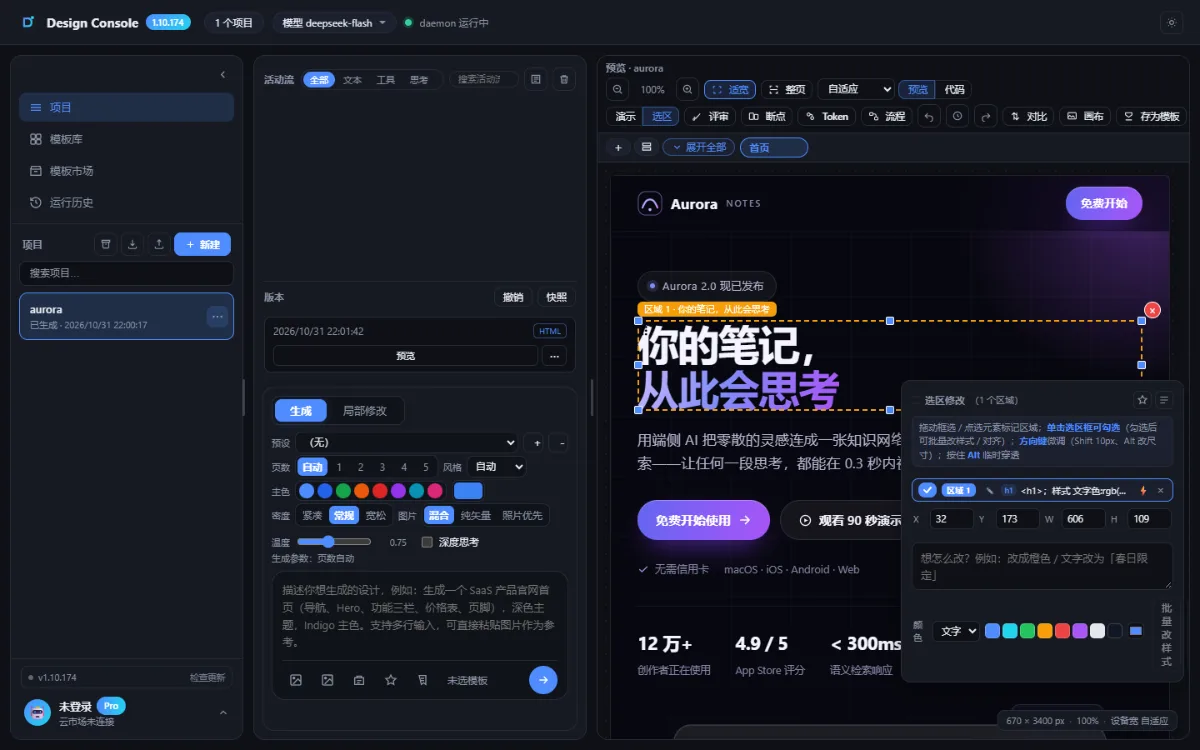
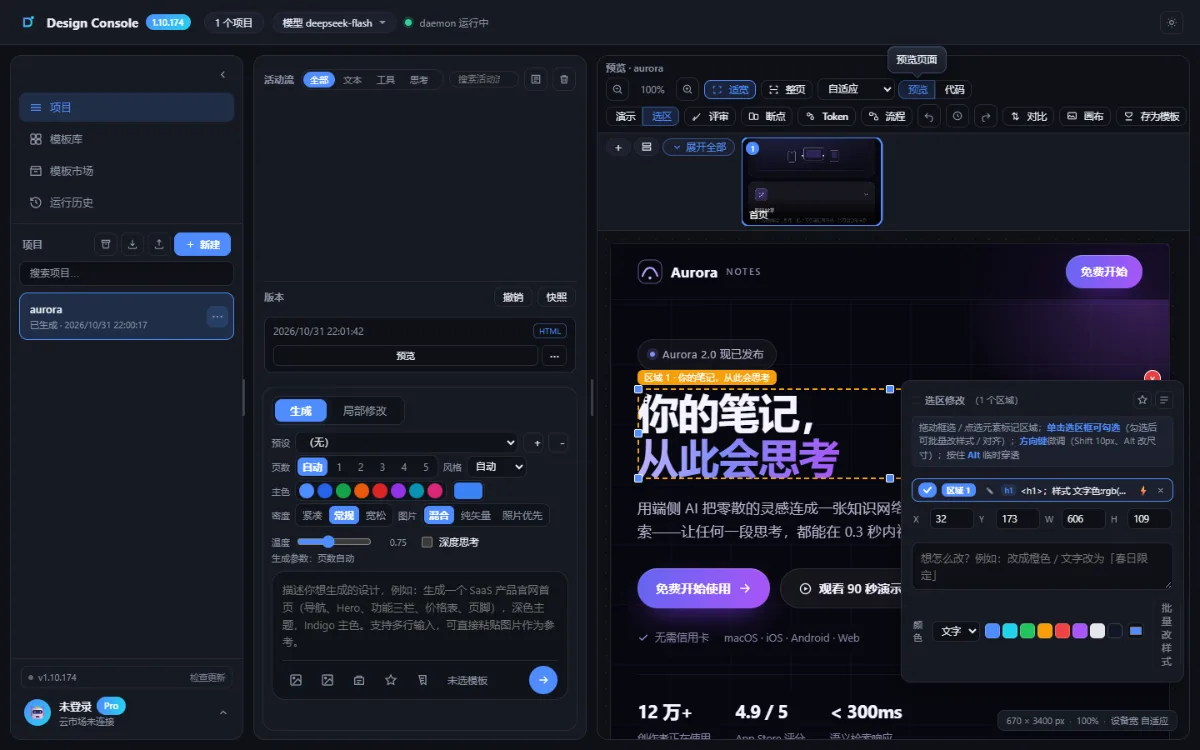
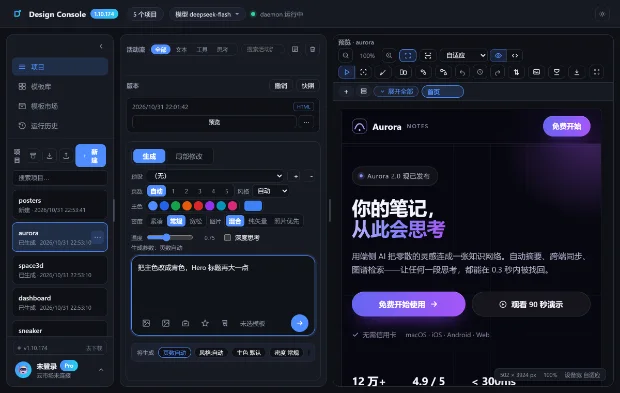
Circle the block you are unhappy with and say “make this dark, bigger type” — only that block changes, the rest of the layout stays put.
Every generation and edit is snapshotted automatically; compare side by side, name the versions, and return to the last good one in a click.
Export HTML, PNG, PDF or a whole-site ZIP, or publish straight to a shareable page — no re-layout in another tool.
Capabilities
One generation is just the start; the time really goes into iteration.
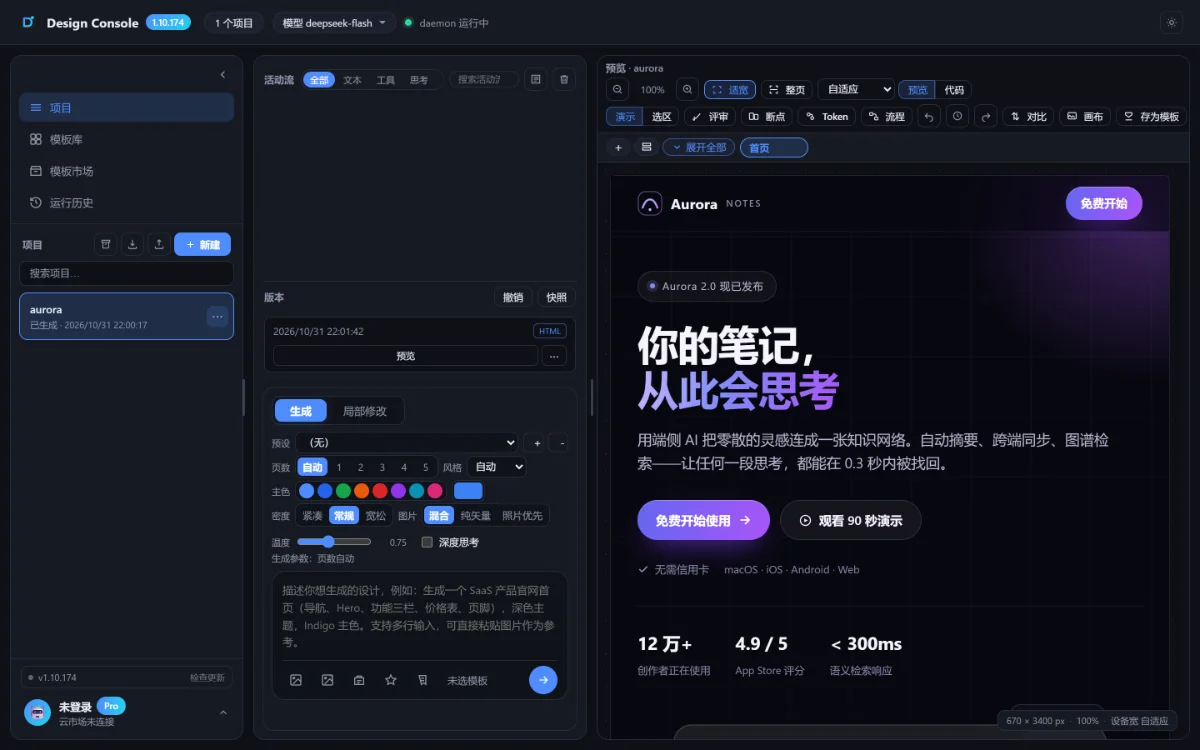
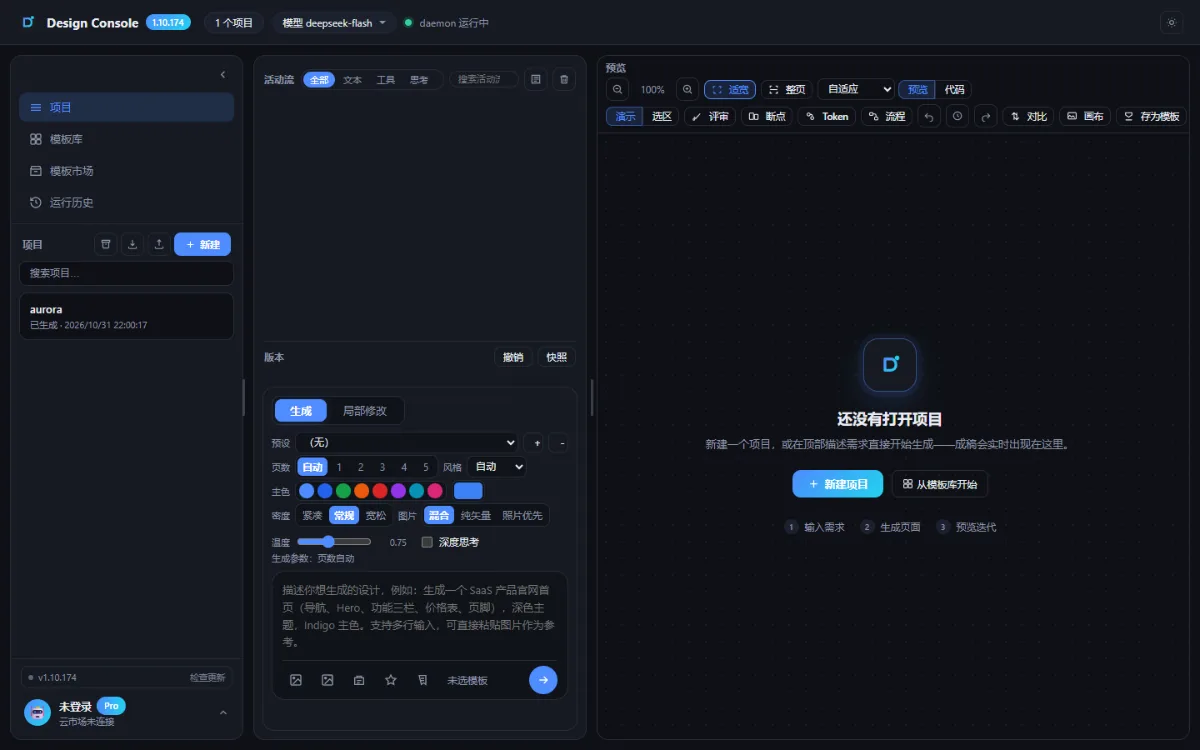
Describe what you need in the top bar and the page appears live on the right; the activity feed shows each model step, with an estimate of progress and a stop button.
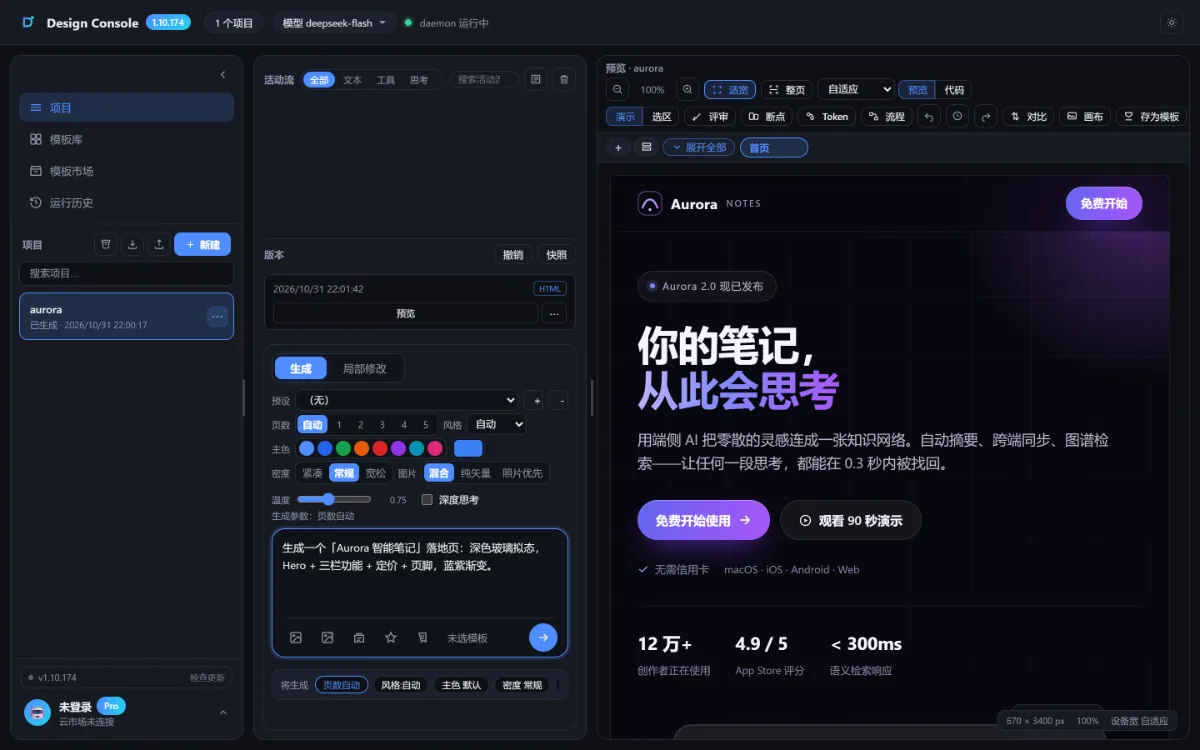
Projects, activity plus settings, and preview side by side, with a draggable middle column; the left rail peeks out on hover when collapsed and never eats preview space.
Click an element in the preview and only that piece changes; marquee selection, multi-region merge and quick commands save a full-page rebuild.
Every run keeps a version, with one-click snapshot and undo, old and new side by side, and a rollback whenever something breaks.
Procedurally generate interactive 3D assets — drag to rotate, scroll to zoom, double-click to reset — that render with the page and keep working after export.
Reuse templates locally or set one as default, pack a whole project into a ZIP for migration or backup, and export HTML / PNG / PDF.
01 · Real screen recording
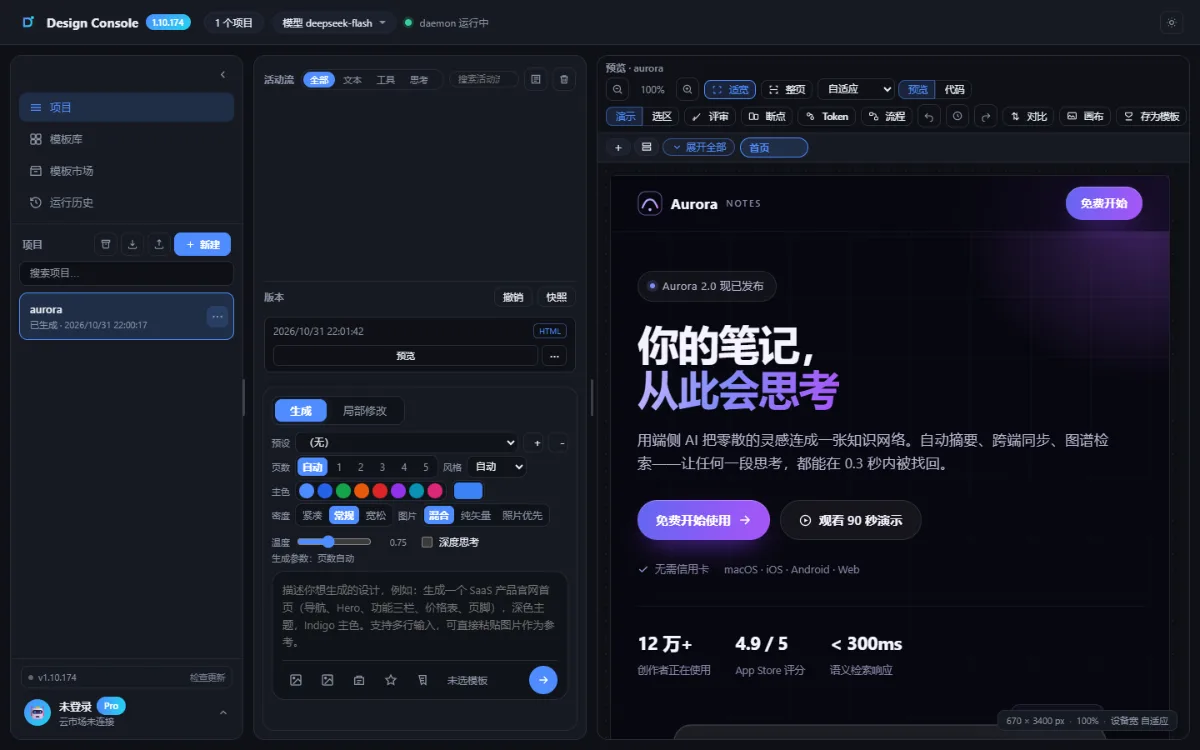
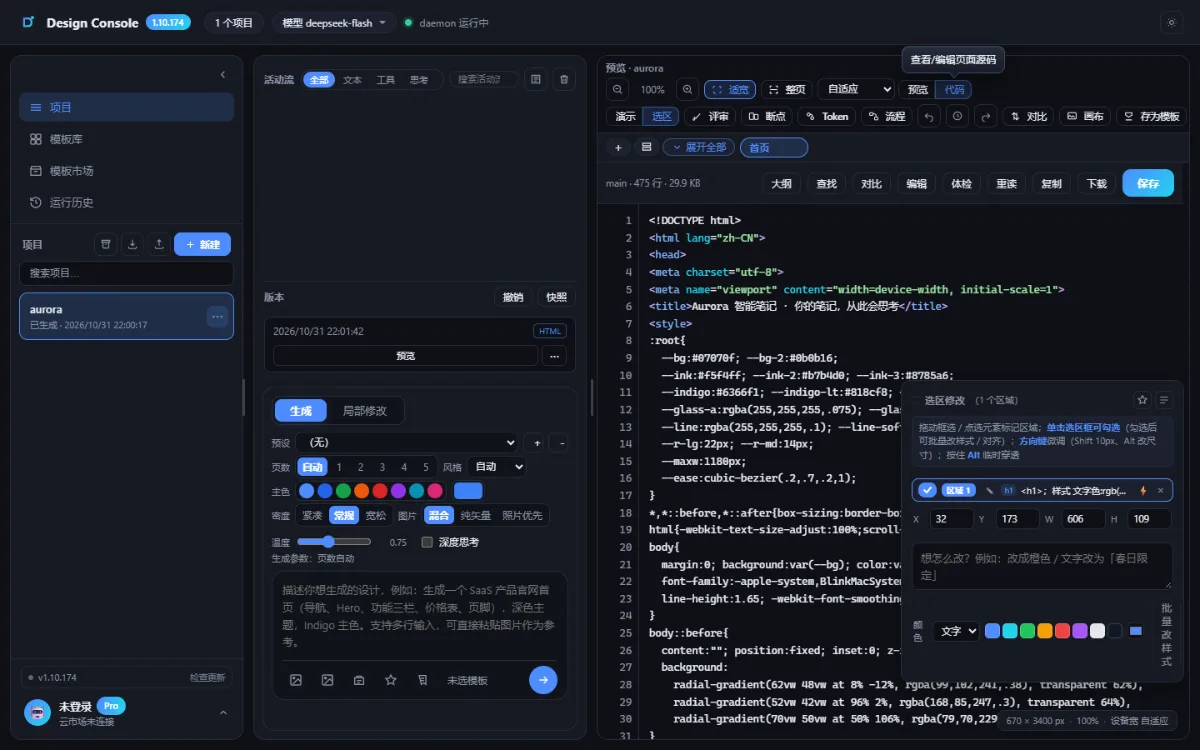
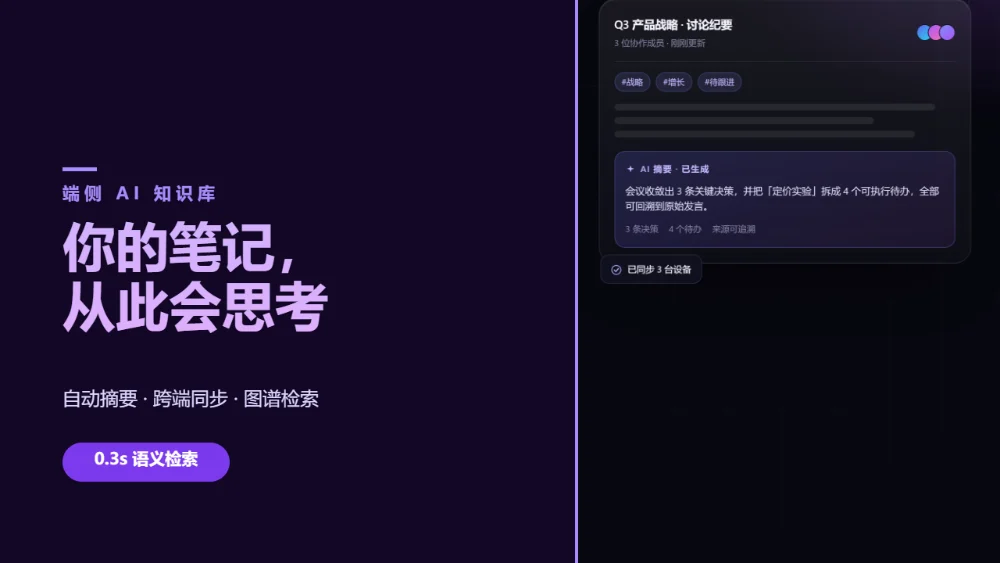
This footage is not a render: a real model generated the page from the “Aurora Smart Notes” prompt, then it was recolored by selection, inspected in code and paged through in the same window.
Work
All real generation and real recording: one workspace, one different prompt, another style.
02 · Key visual
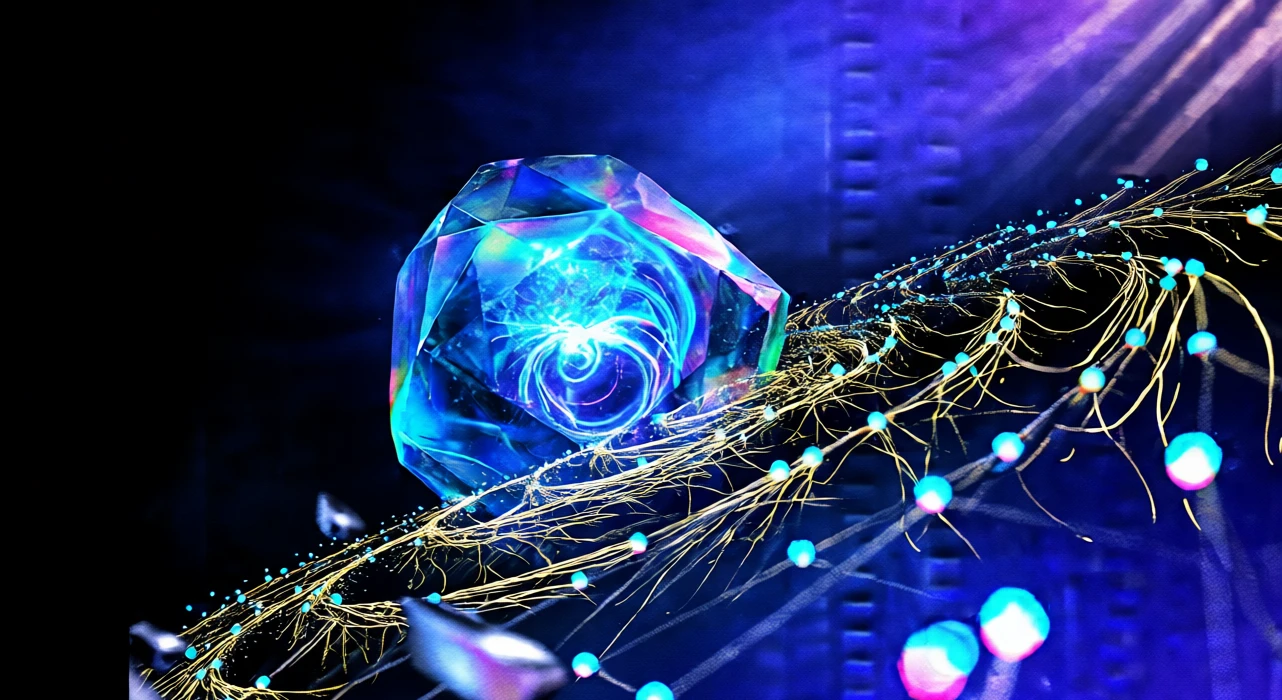
For campaign headers, launch KVs and poster backgrounds, describing the material, light and lens is enough to get the image — no modelling, no lighting rig, no render queue. When you want more impact, the live 3D version below is draggable.
Epic commercial CG key visual: an ultra-complex, deeply nested three-dimensional space suspended in a boundless void; at its center a gigantic fractal topological neural crystal core with layered iridescent translucent sapphire material and a self-luminous plasma vortex inside; countless micron-scale holographic synaptic fibers radiating in golden spirals, their nodes pulsing polygonal quantum lattices dragging long light trails, with dispersion caustics and thin-film interference rainbows; in the space millions of ionized glows / ice-crystal refractions / dust god-rays / magnetic filament particles flow along turbulent paths; in the foreground floating cut-and-chamfered titanium and polished chrome geometry, in the background an infinitely extending grid spacetime surface plus blue-violet-cyan volumetric fog and god rays; 45° side-top hard light with a highly saturated cyan-blue rim backlight, HDR high contrast, deep black negative space left for the headline; 28mm anamorphic, f/0.9 ultra-shallow depth of field, hexagonal bokeh; cool cyan / electric violet / ice blue / pale gold gradients, 8K hyper-realistic CGI, 16:9.
03 · 3D mechanics
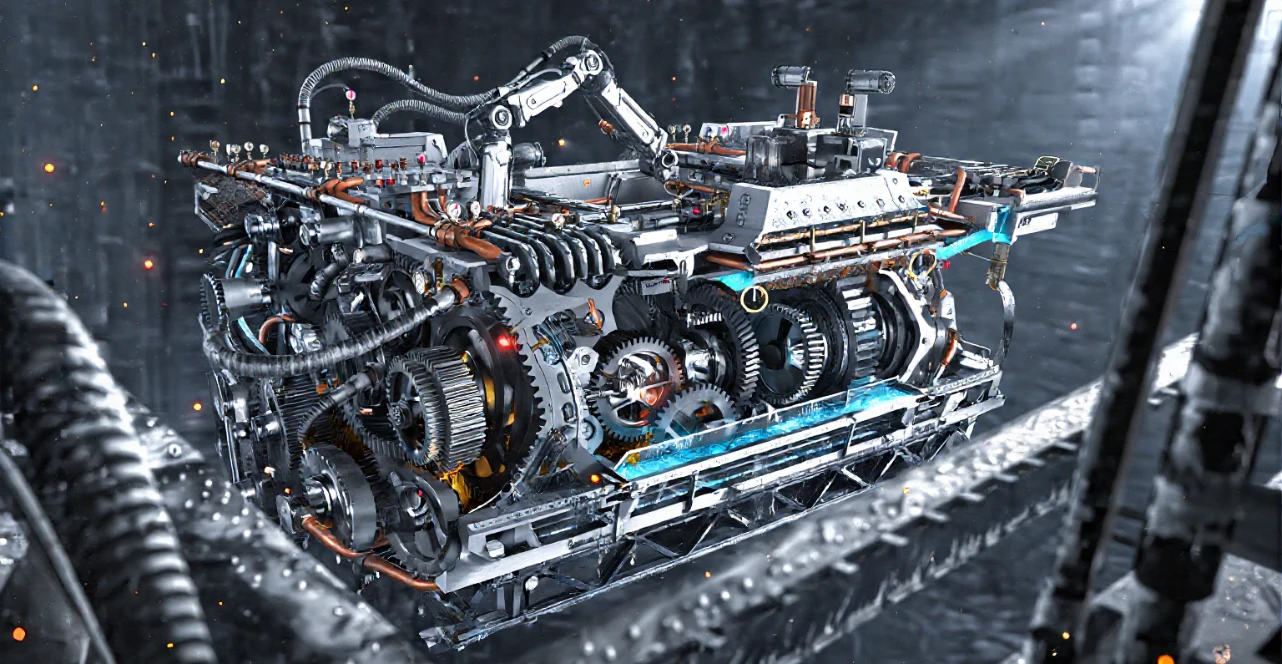
For product explainers, assembly guides and how-it-works sections, motion beats ten drawings — the live 3D version turns gears at the right ratio and folds an arm slowly while the reader drags to look.
04 · 3D scenes
3D blocks for product and campaign pages need no outside modeller: traffic, pedestrians, lights and robot arms are computed live in the page and still work after export.
In the night street scene cars loop along their lanes with headlight bloom while pedestrians walk the sidewalk — all driven live by the page script.
Street lights, neon, building windows and fog are procedural rather than textured; change the seed and you get another city.
Conveyor, robot-arm rhythm, weld sparks and a scanning light band are self-contained code you can drop into any page.
Assets and versions
On the left, a V8 twin-turbo cutaway generated from one sentence — draggable, disassemblable, switchable camera angles; on the right, three versions side by side, ready to roll back.
05 · Canvas
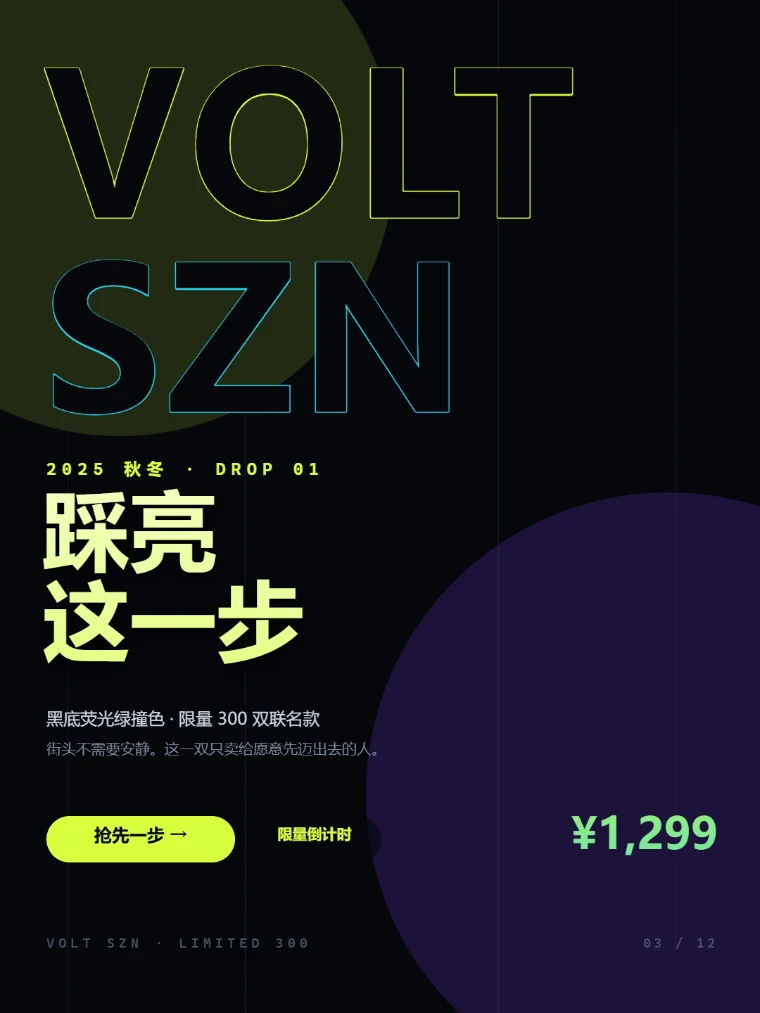
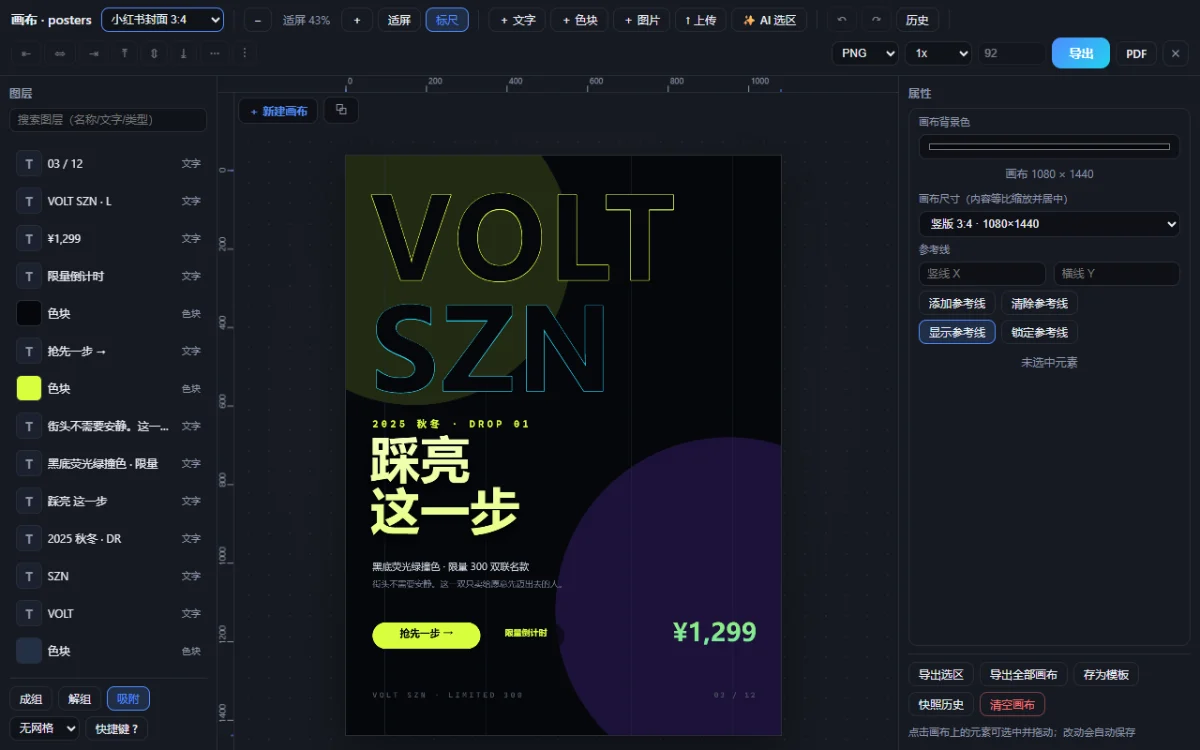
Once the page is generated, lay out a cover in the same project — platform size presets, layer-based editing, export to PNG / JPG / WebP / PDF.
Rednote cover 1080×1440, WeChat article header 900×383, square 1080×1080, video cover 1280×720, portrait long image 1080×1920, plus custom sizes.
Image (project assets or AI-generated, cover / contain, brightness, contrast and saturation), text (five font families, gradient, stroke, shadow, letter spacing, auto-fit) and shape (radius and opacity).
Drag guides straight off the rulers with edge, center, guide and grid snapping; grouping, six alignments, equal spacing, layer search and a multi-select floating toolbar.
Marquee an area and say “swap in an orange gradient ground, bigger headline” and it generates a real layout block or image for that region; if you do not like it, regenerate or revert.
Cover, poster and long image each get their own canvas without interfering; duplicate an existing canvas to iterate, and export every canvas as one ZIP.
PNG / JPG / WebP at 1×–3×, export only the selected region or the whole canvas as PDF, and save a layout as a template for next time.
06 · Templates
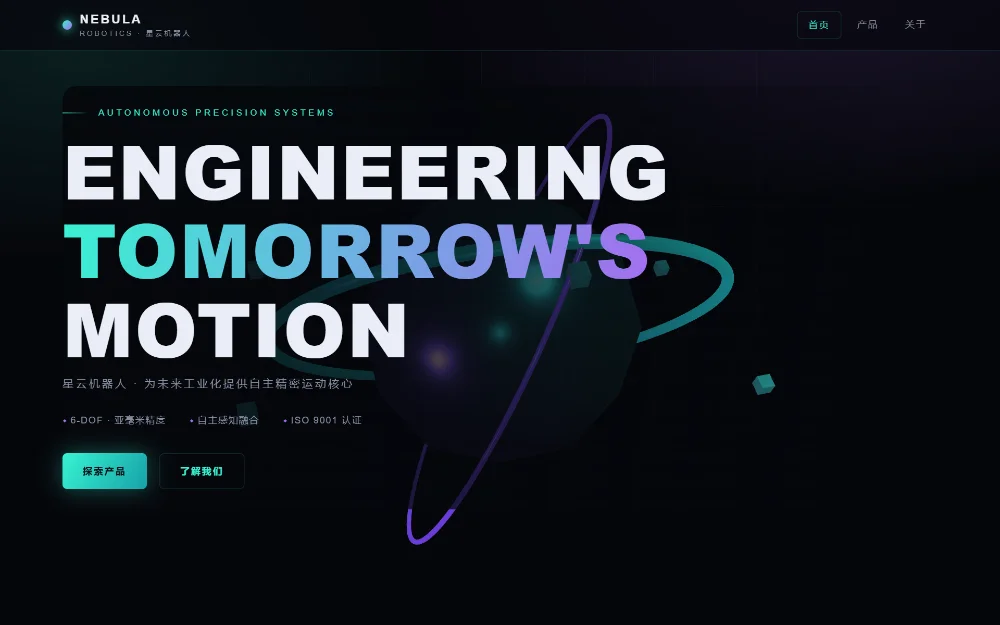
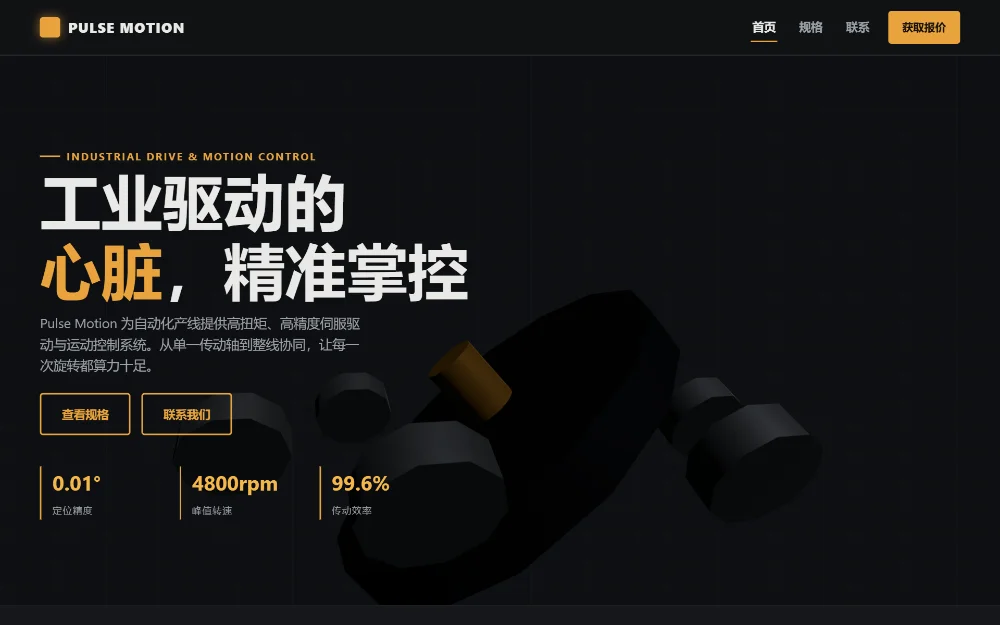
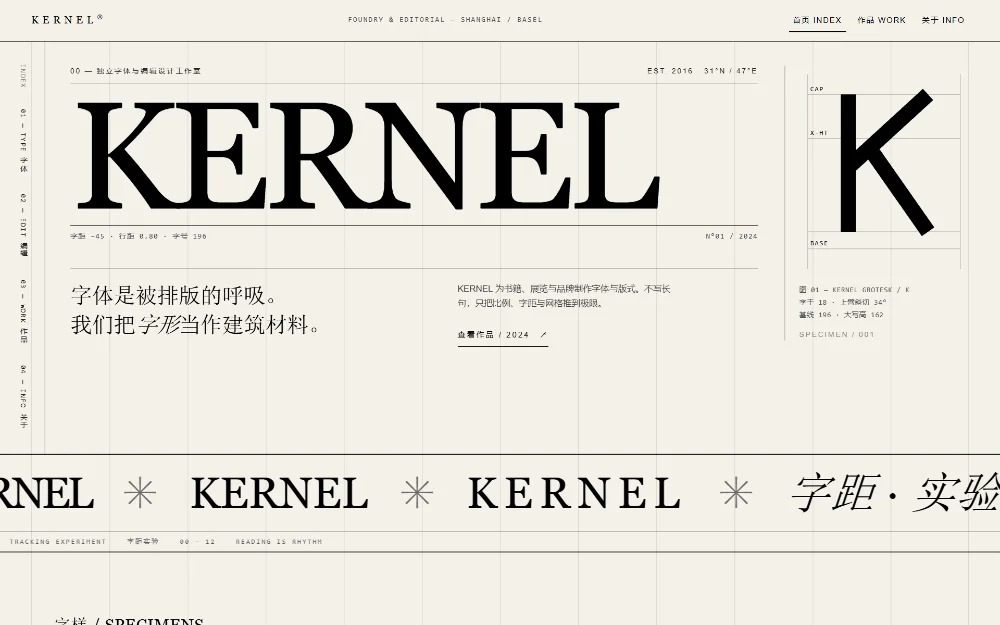
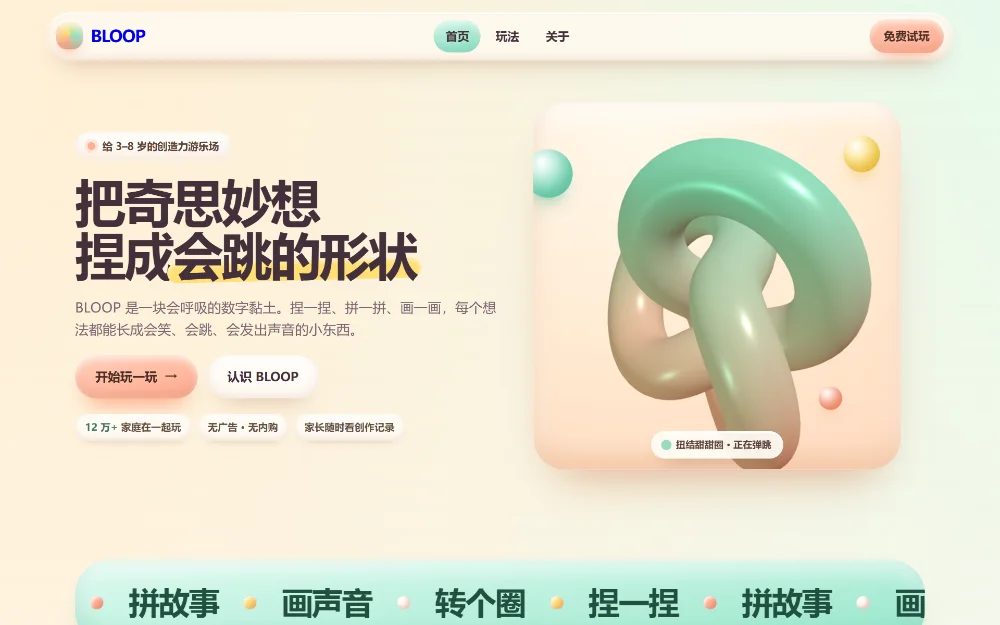
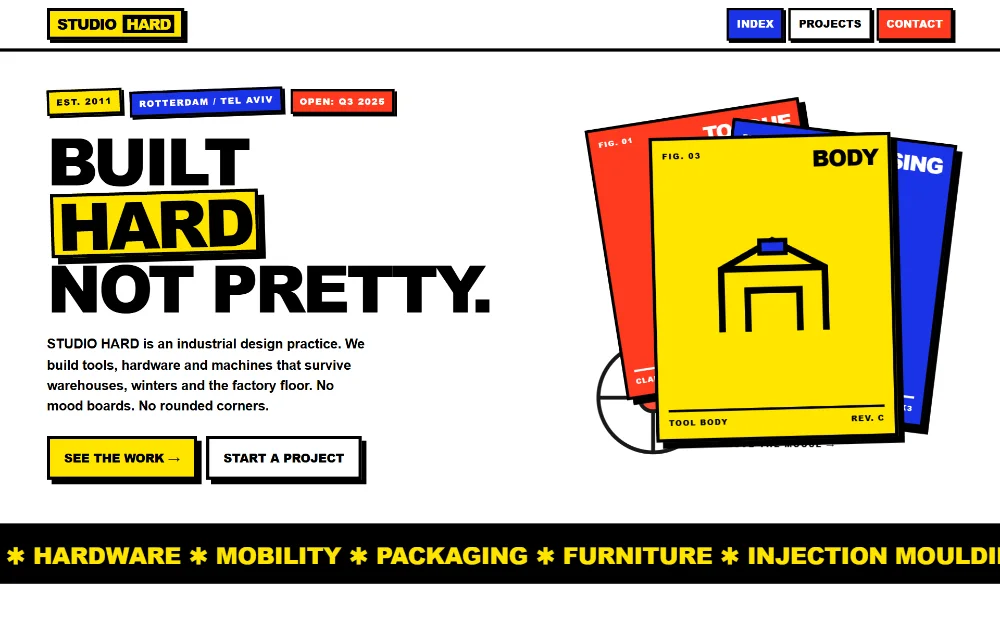
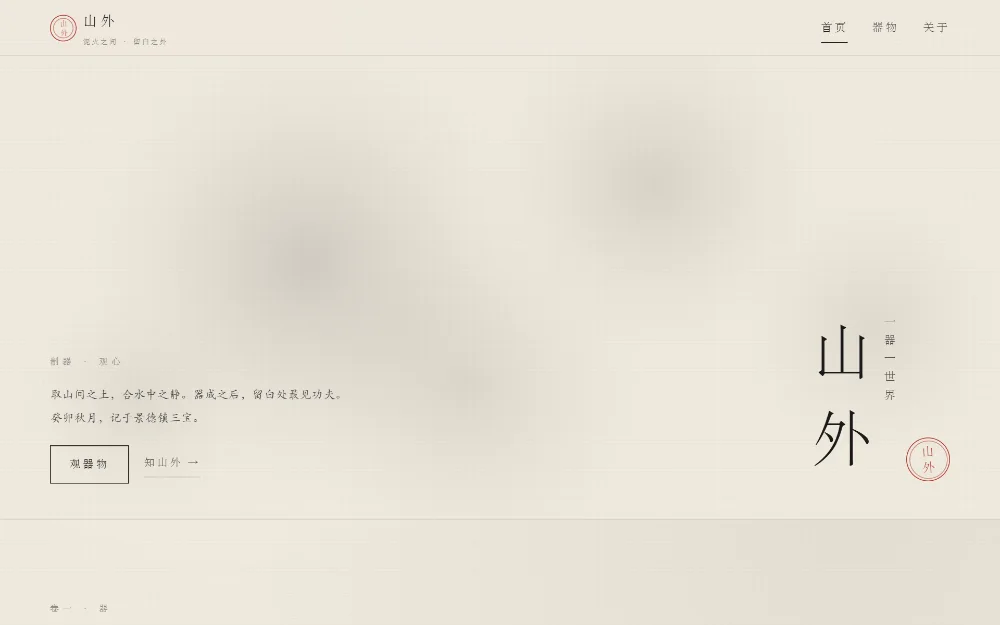
All six templates are generated by Design Console and deliberately different: deep-space tech, industrial dark, Swiss editorial, candy clay, neo-brutalism and oriental ink. Each has three pages with shared navigation and footer and is fully responsive — three homepages run live 3D, the other three get their look from CSS 3D and typography.
Nebula Robotics
Robotics brand site · 3 pages
Open preview ↗
Pulse Motion
Industrial drive brand site · 3 pages
Open preview ↗
KERNEL
Type and editorial studio · 3 pages
Open preview ↗
BLOOP
Kids creative app · 3 pages
Open preview ↗
STUDIO HARD
Industrial design studio · 3 pages
Open preview ↗
Shanwai
Oriental tea-ware brand · 3 pages
Open preview ↗
07 · Getting started
Every step maps to the real interface; do them once and you basically know the tool.
Click New in the top left and fill in the brief in the middle column. Spell out page type, content blocks and palette, e.g. “Aurora Smart Notes landing page: hero, three-column features, pricing, footer, dark glassmorphism, blue-violet gradient”.
Keep the page count on automatic; write “needs three pages” in the brief and it generates multiple pages.

The right pane is a live preview: scroll to browse, `Ctrl/⌘ + scroll` to zoom, `fit width / full page` to switch in one click. If the result misses, add one line in the middle column — “make the primary color cyan” — and the model changes only what is relevant.

Switch to selection mode and click an element to get a selection box: change size, color and alignment in the right panel; Alt + arrow keys resizes, Shift + arrow keys moves 10px; hold Ctrl to multi-select, then restyle, align and space them together.
Every change enters the edit history; Ctrl + Z steps back.

The code panel has line numbers, syntax highlighting, outline jumps and find/replace (Ctrl/⌘ + F); it health-checks the structure before saving, and snapshots or history cover you when an edit breaks.

The page strip stays on one line — click “N more pages · expand” to see them all; thumbnails render in the background. Hand off by exporting HTML / a whole-site ZIP / PNG / PDF, or generating a React / Vue project.

08 · Install
No Docker, no server: the installer carries its own runtime.
Double-click the installer and follow the wizard; the portable build just needs unzipping and runs from a USB stick. Both have identical features.
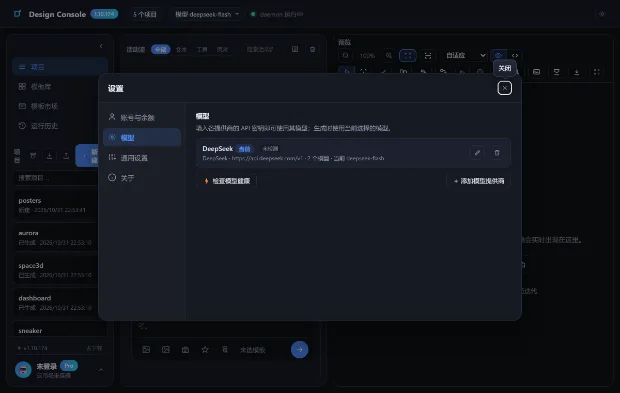
On first launch go to Settings → Models and add your provider and API key. Keys are stored only on this machine.
Create a project or pick a template, describe the need up top and click Generate; the preview and activity feed update live.
Pricing
Every desktop feature is free, with no limits on projects or exports. The only cost you carry is the model API.
Download and go — no account, no subscription.
Written here so you are not surprised after installing.
FAQ
Entirely on this machine: %APPDATA%\Design Console for the installed build, or the data folder next to the portable app. Delete that folder to clear everything.
Generation calls the model service you configure (self-hosted or proxied addresses are fine); everything else — browsing projects, version comparison, exporting — works offline.
Any OpenAI-style /v1/chat/completions endpoint: DeepSeek, Qwen, Kimi or your own gateway. Add several providers in one place and switch anytime.
The installed build uninstalls from Settings → Apps; the portable build is just a folder to delete. Export your project bundles first if you want to keep them.
The desktop app is a single-user local workspace with no account system. For teamwork, exchange exported project bundles or use the online instance we host.
Run Get-FileHash .\DesignConsole-Setup-2026.11.28.exe -Algorithm SHA256 in PowerShell and compare with the value published below.
Version 2026.11.28 · built 2026-11-14 · about 100 MB, ready after install